AI Coach

Ask Brody with swing memory

Brody can use your current analysis, previous swings, saved drills, and lesson recaps so follow-up answers stay tied to your own motion.

Get the App

Last updated: May 26, 2026

Swing memory ready

Ask about your own history, not a generic golf tip

Ask Brody is most useful after SwingSmith has your analysis history. You can ask what changed, whether a drill helped, why a pattern keeps returning, or what to work on before the next upload.

  • Ask what changed from your last swing
  • Compare the current analysis with previous uploads
  • Turn a recurring pattern into one drill or feel
  • Review saved lesson recaps and practice plans
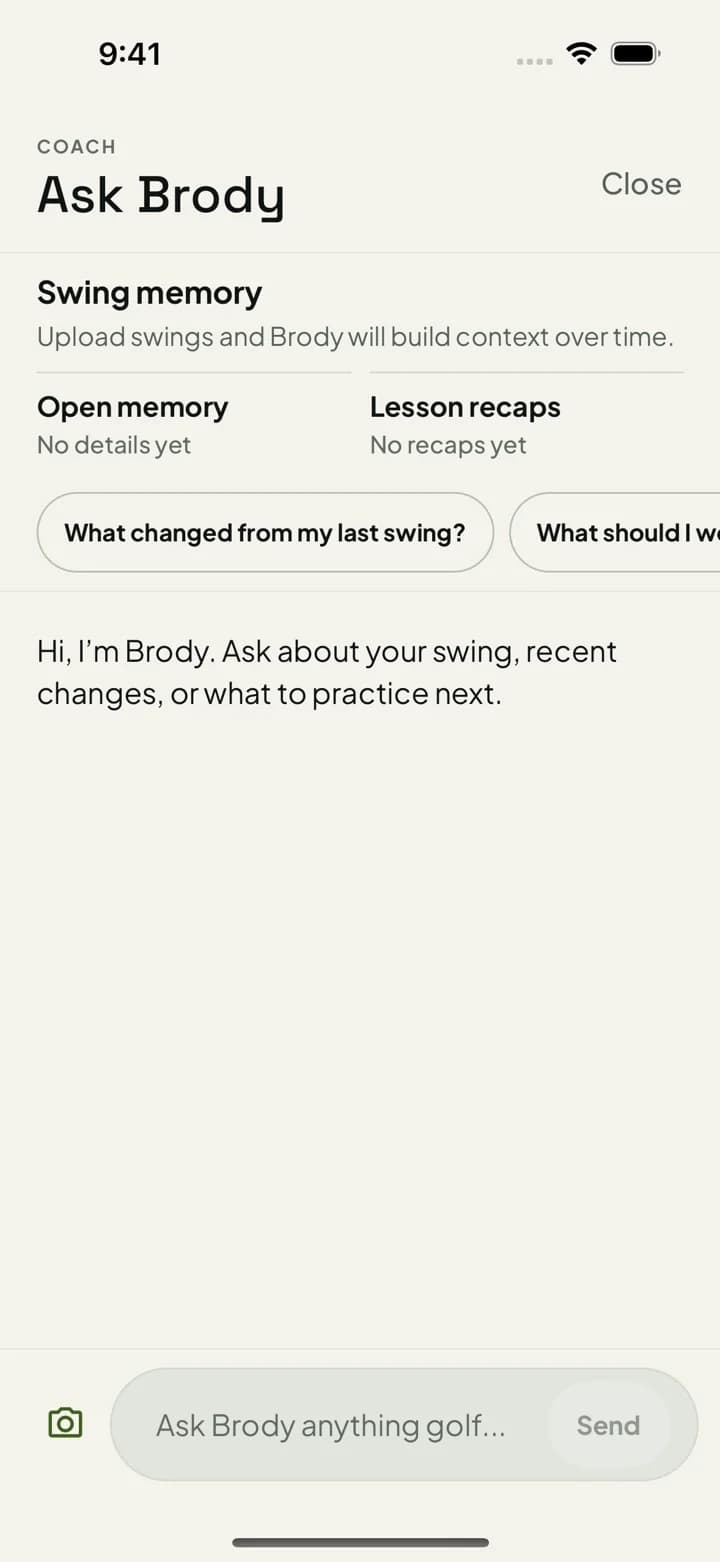
Ask Brody dark screen with swing memory, previous swing prompts, and a drill recommendation

Open memory

Priority, drill, and last-swing context stay available for follow-up.

Lesson recaps

Saved plans and drills give Brody more context than a one-off chat.

Past swings

Ask whether the same issue is improving, repeating, or moving to a new checkpoint.

How it fits the SwingSmith workflow

Uploads and analysis happen inside the iOS and Android app. After the result is available, Brody can connect the score, P10 sequence, written priority, visuals, and past swings into a follow-up answer you can use at the range or before your next lesson.

Explore SwingSmith

Start with the core app, analyzer, coach, and support paths. Specific swing-topic pages stay linked from the articles where they are most useful.

Get the App