Swing videos are easy to collect and hard to use. SwingSmith keeps each result tied to its P10 sequence, written priority, and follow-up context so the next session starts from evidence.
Swing history
P10 checkpoints
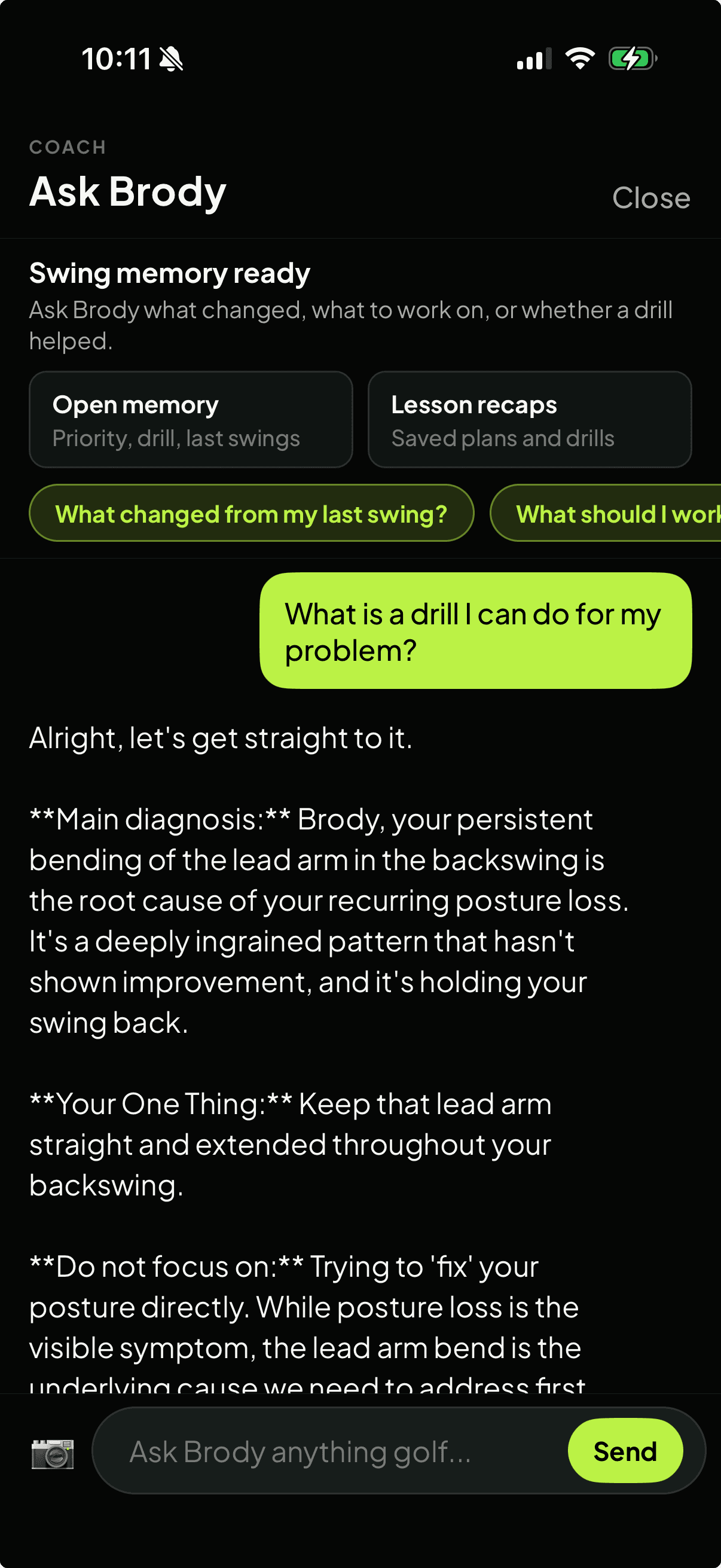
Ask Brody memory
Start with one free starter analysis. Uploads and tracking happen inside the mobile app, not on this website.
A tracking workflow for practice sessions
Step 1
Upload from the same angle
Use a repeatable down-the-line or face-on video so older swings and new swings are easier to compare.
Step 2
Review the P10 sequence
Track where the pattern shows up in the swing instead of judging progress from one impact frame.
Step 3
Save one practice priority
Keep each result tied to the one thing you were trying to improve during that session.
Step 4
Ask about past swings
Use Ask Brody to discuss what changed, what repeated, and whether the drill helped across your swing history.
What to track after every swing upload
Swing history
Keep uploads and analysis results together so repeated patterns do not disappear between sessions.
P10 checkpoints
Compare address, takeaway, top, downswing, impact, and finish positions from one swing to the next.
Written priority
Track the practice focus behind each swing instead of saving a disconnected video library.
Ask Brody memory
Ask follow-up questions about older swings, saved drills, lesson recaps, and repeat issues.
Practice context
Use the same workflow for range, home-net, simulator, lesson prep, or junior practice.
Store path
Install the iOS or Android app so tracking, analysis, and follow-up stay connected.
Where a tracker helps most
Golfers who record many swings but forget what they were working on.
Players comparing range sessions, home-net practice, simulator swings, or lesson homework.
Coaches and parents who need a clearer between-session record without replacing instruction.
Golfers who want progress to mean fewer repeated patterns, not just more saved videos.
App-first tracking
The website explains. The app keeps the record.
SwingSmith does not upload or track swings from the website. The app keeps the video, analysis result, history, written priority, visual context, and Ask Brody follow-up together.
A golf swing tracker app helps you keep swing videos, analysis results, history, and practice priorities together. SwingSmith focuses on phone-video analysis, P10 checkpoints, written priority, and Ask Brody follow-up rather than only storing clips.
Can SwingSmith compare my current swing with previous swings?
SwingSmith keeps swing history and Ask Brody context in the app so you can ask what changed, what repeated, and whether a drill helped across previous uploads.
Can I upload or track swings on this website?
No. Uploads, tracking, analysis results, swing history, and Ask Brody follow-up happen inside the iOS and Android app.
Does this replace a coach's notes?
No. SwingSmith can help organize practice between lessons and make swing history easier to discuss, but it is built to support coaching rather than replace it.
Can I start free?
Yes. SwingSmith uses one free starter analysis so you can test the analysis and tracking workflow on your own swing before deciding whether to upgrade.
Explore SwingSmith
Start with the core app, analyzer, coach, and support paths. Specific swing-topic pages stay linked from the articles where they are most useful.
